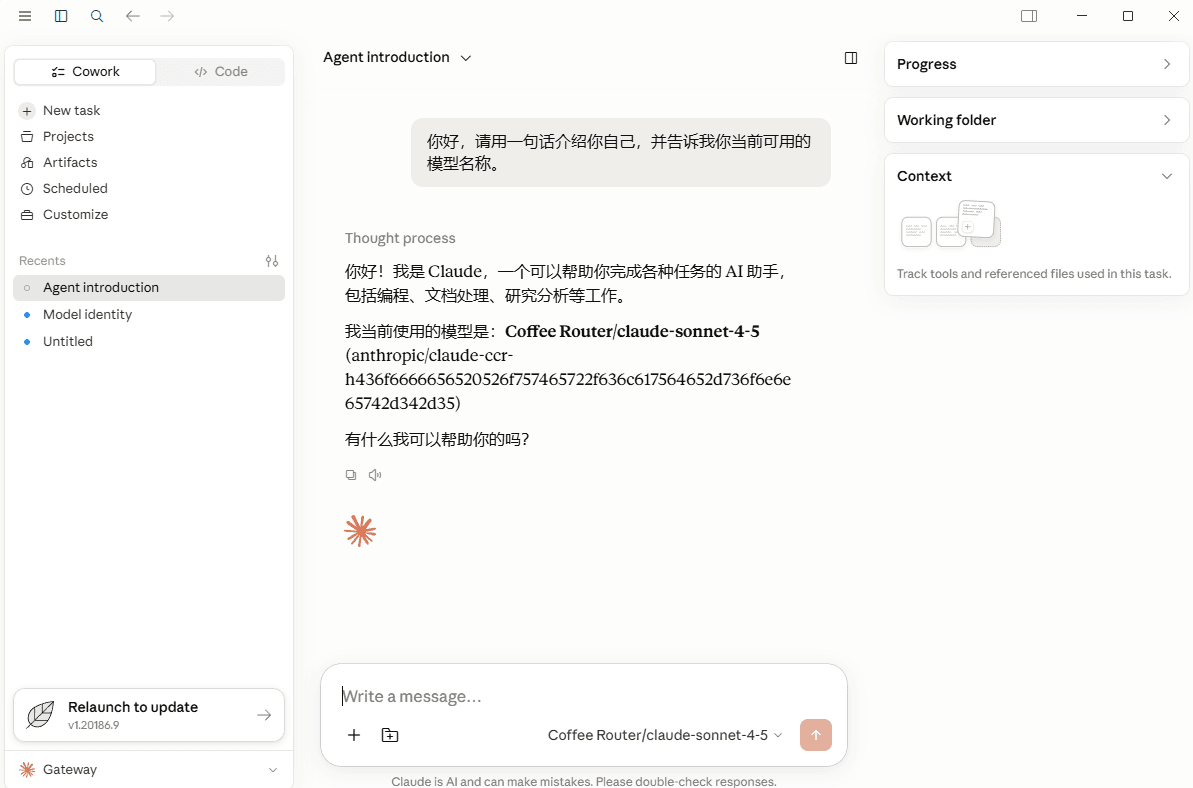
Claude Code Router
在 Claude Code Router 中配置 积木 AI 自定义 API Endpoint、选择模型、启动 Agent 配置并打开 Claude Code。
部分操作截图沿用源文档界面,仅用于说明操作流程;实际入口与字段请以积木 AI 当前控制台为准。
Claude Code Router 支持通过自定义 API Endpoint 接入 积木 AI,并从 Agent Config 启动 Claude Code。
1. 选择自定义 API Endpoint
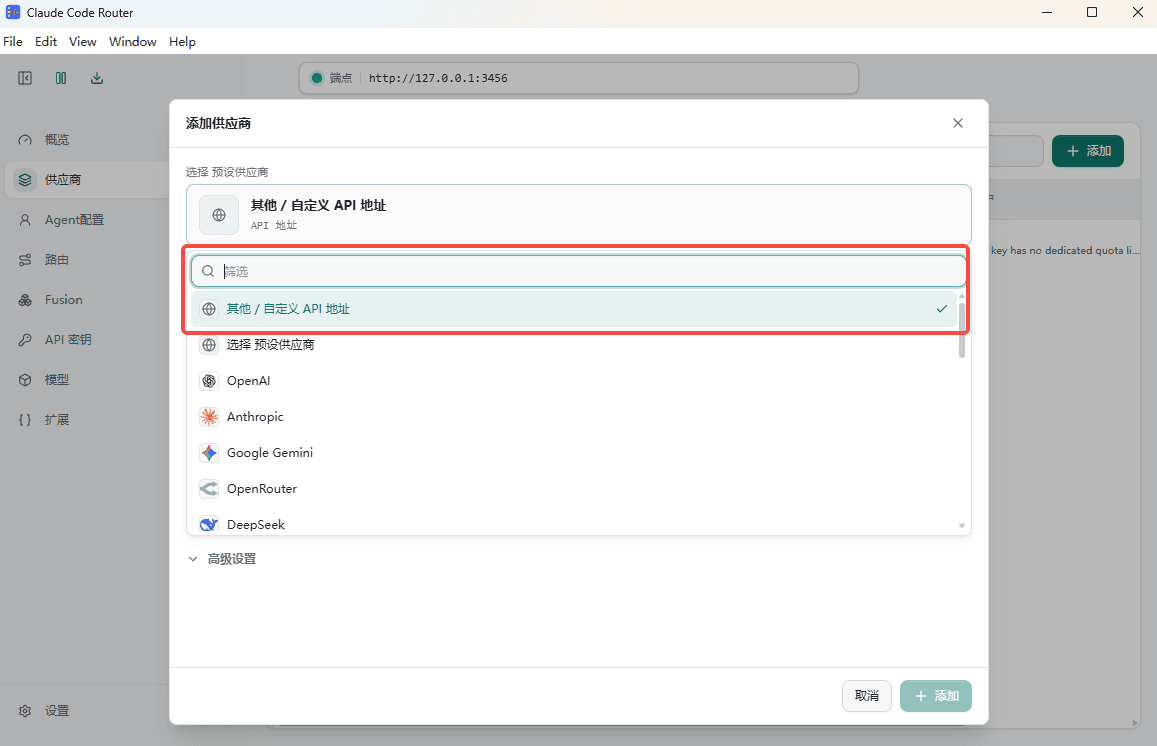
在 Configure provider 页面打开服务商列表,选择 Other / custom API endpoint。
2. 填写 积木 AI Provider 配置
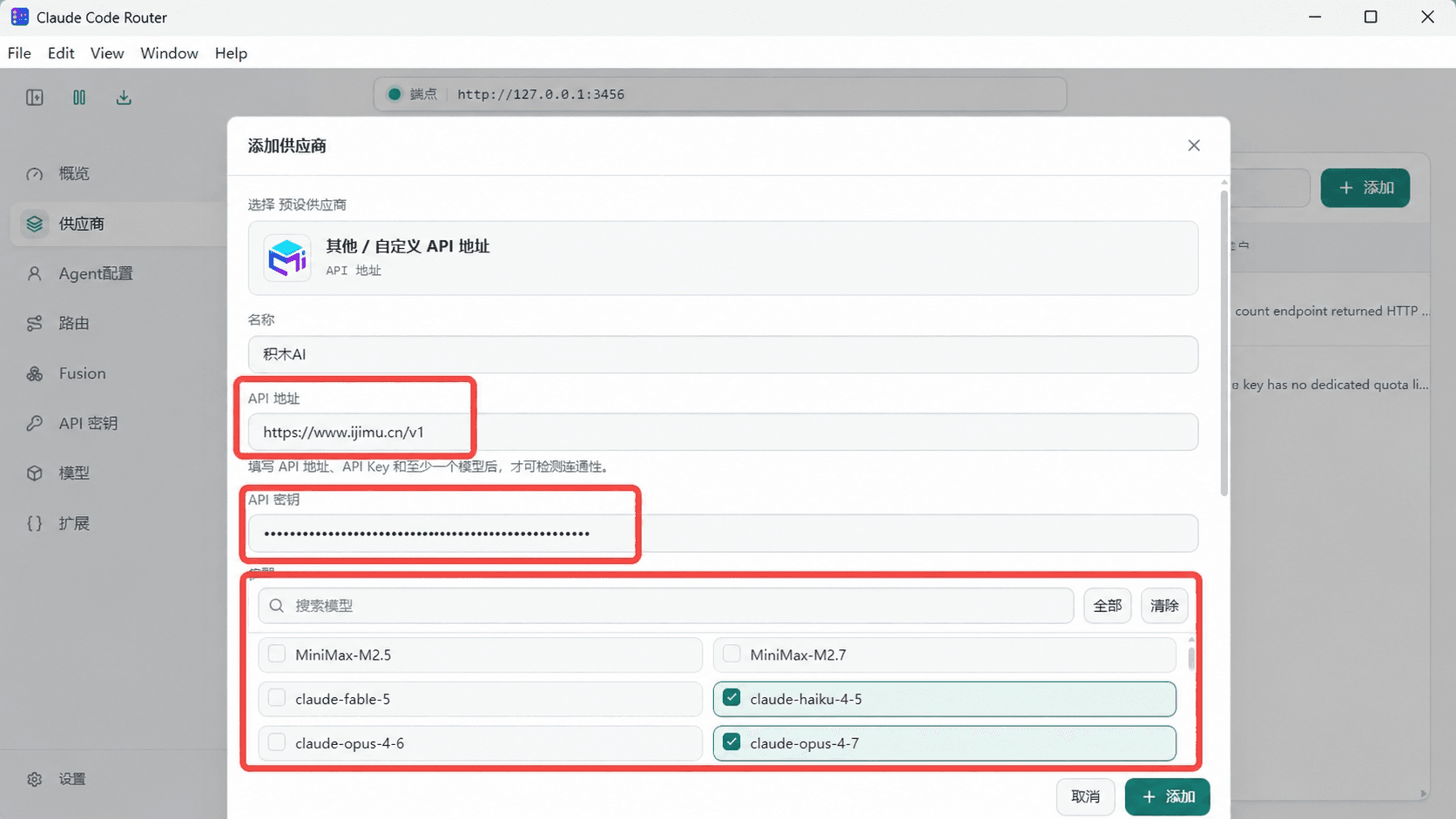
填写以下内容:
| 配置项 | 填写内容 |
|---|---|
| Name | 积木 AI |
| API Endpoint | https://www.ijimu.cn/v1 |
| API Key | 在 积木 AI 获取,例如 sk-your-api-key |
API Endpoint 中应当只保留一个 /v1,不要填写成 https://www.ijimu.cn/v1/v1。
3. 按需选择模型
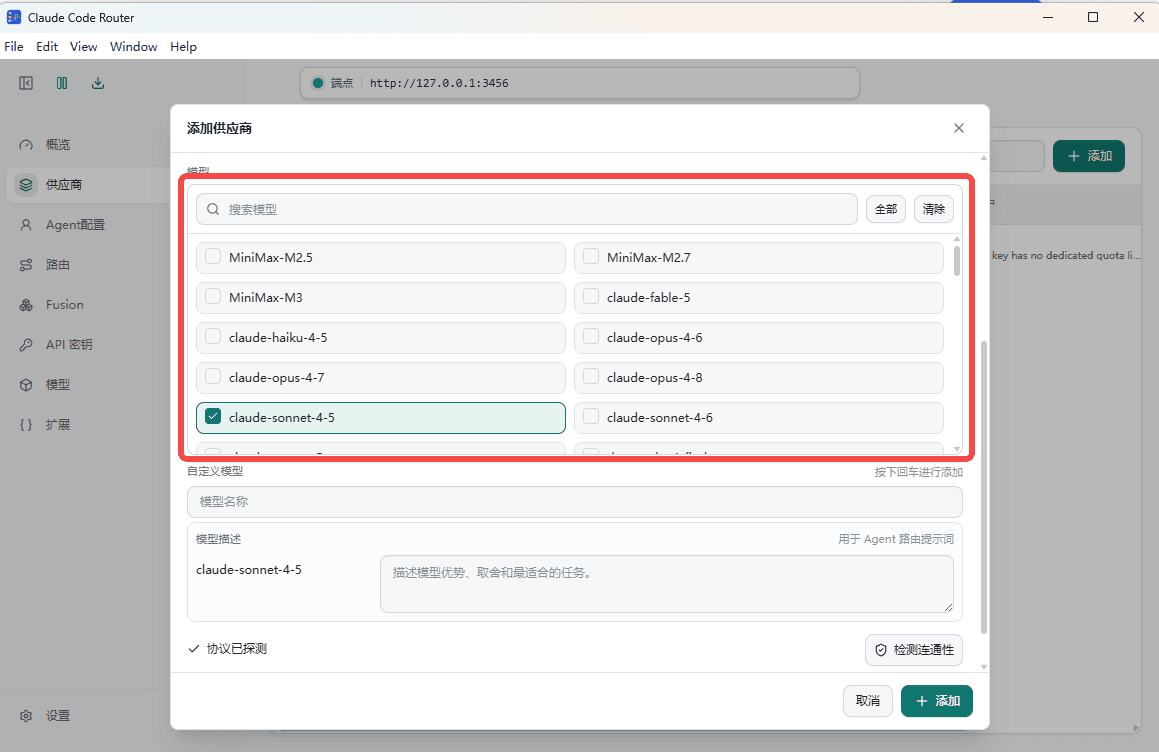
在 Models 列表中至少选择一个当前令牌允许使用的模型,并按需调整模型选择或映射。模型 ID 应与 积木 AI 中显示的名称保持一致,然后进入下一步。
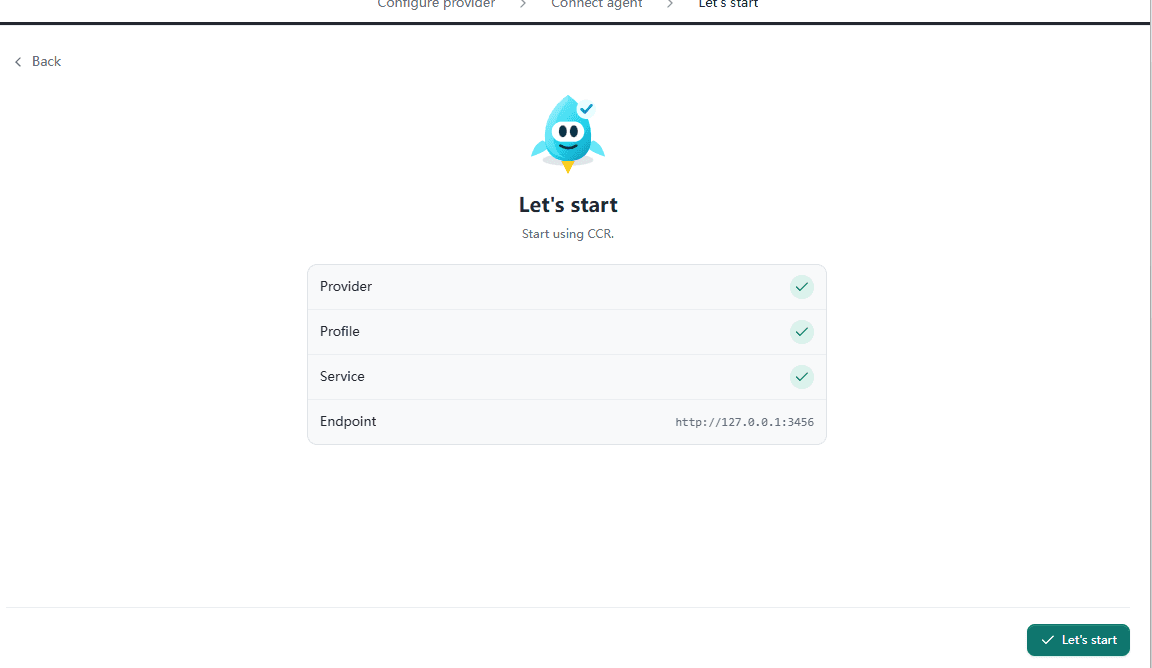
4. 点击 Let's start
完成 Provider、Profile、Service 和 Endpoint 检查后,进入 Let's start 页面,点击右下角的 Let's start。
5. 从 Agent Config 启动 积木 AI
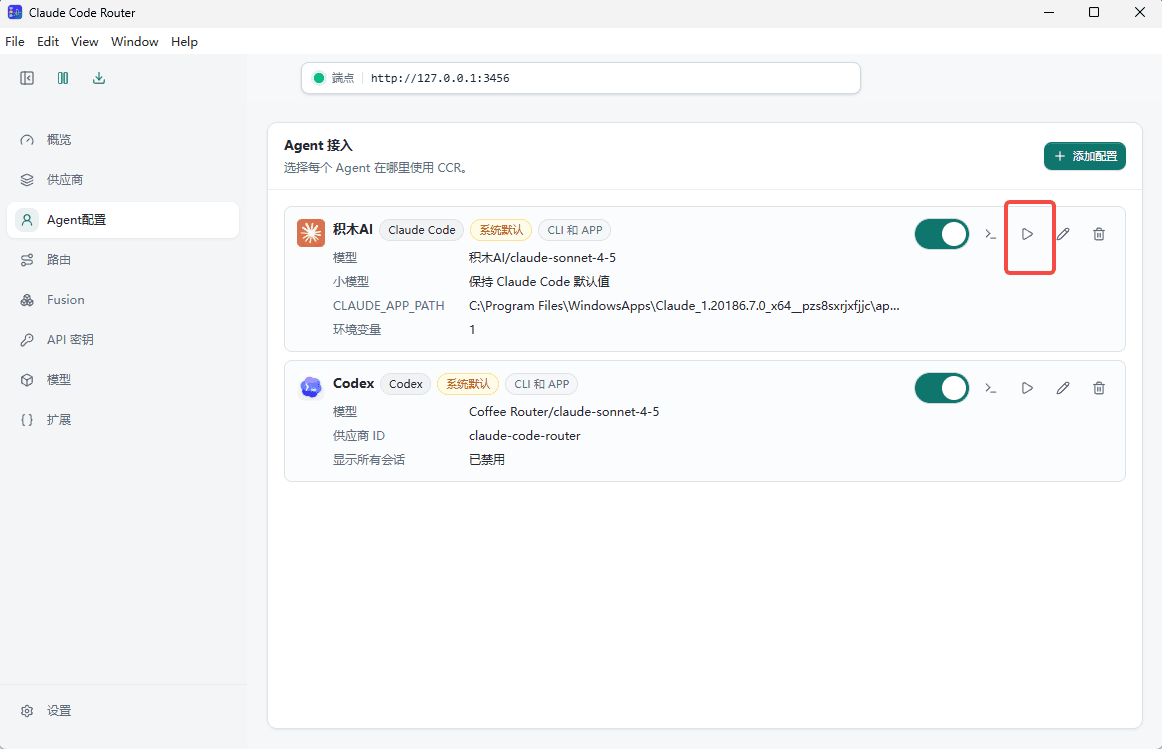
返回 Agent Config 页面,找到 积木 AI 配置,确认其已启用,然后点击右侧的启动按钮。
6. 在 Claude 窗口中测试
Claude Code Router 会打开 Claude 窗口。确认模型选择器显示 积木 AI 模型后,发送测试消息验证连接。